Crop an avatar without clipping the subject
Use the circular preview to protect details before downloading the square file.
Choose the source
Start with an owned photo or logo larger than your intended export. The editor applies orientation; do not rely on a rotated camera preview alone.
Move before enlarging
Position the focal point, then increase zoom only as much as needed. Leave margin for hair, logo edges or anything that communicates identity.

Open the result
Download PNG when transparency matters or JPG with your chosen background. Open the actual file and verify that its subject stays upright and centered.
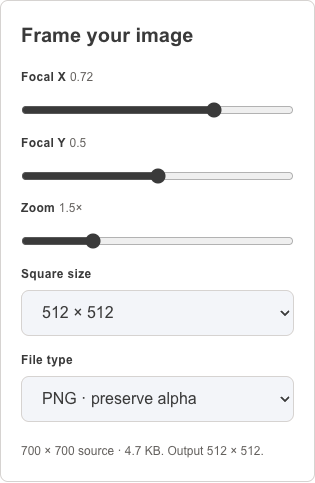
Historical capture from 2026-10-04
The actual avatar editor with the original project illustration, square upload preview and circular display preview.
Open the original historical image